Photo Cleanup iPhone: The 5-Minute Weekly Routine That Works
Simple photo cleanup iPhone routine that takes 5 minutes per week. Never face storage full again with this proven weekly maintenance method.
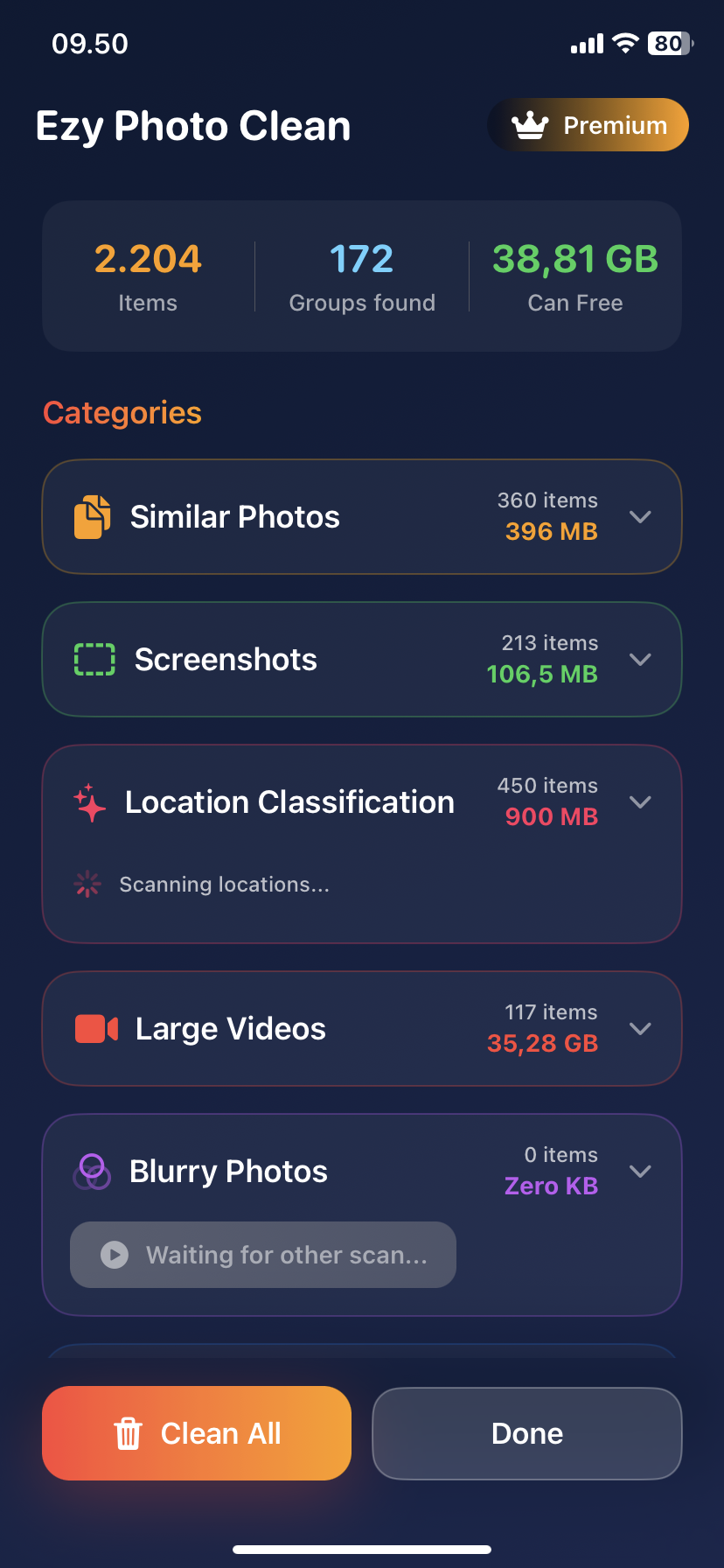
Photo Cleanup iPhone: The 5-Minute Weekly Routine That Works
Don't wait until you have 5,000 photos to clean.
Do this for 5 minutes every week instead.
The Problem with One-Time Cleanups
What most people do:
- Take photos for 6 months
- Storage full warning
- Spend 3 hours cleaning
- Exhausted, never do it again
- Repeat in 6 months
Better approach:
- 5 minutes every Sunday
- Never get overwhelmed
- Stay ahead of clutter
The 5-Minute Weekly Photo Cleanup iPhone Routine
Sunday 12:00 PM (Set Calendar Reminder)
Minute 1: Delete This Week's Bad Photos
What to delete:
- Blurry shots
- Accidental photos (pocket shots)
- Test photos
- Failed attempts
How:
- Photos → Recently Added
- Quick scroll through past 7 days
- Select obvious bad shots
- Delete
Photos deleted: 10-20 Storage freed: 50-100MB
Minute 2: Screenshot Purge
The rule: Keep screenshots < 7 days old only
How:
- Photos → Search "Screenshots"
- Select all from last week
- Keep receipts/important ones
- Delete rest
Photos deleted: 15-30 Storage freed: 50-150MB
Minute 3: Delete Duplicate Shot Series
What to look for:
- Took 5 photos of same thing
- Keep best one
- Delete other 4
Quick method:
- Photos → Recently Added
- Find series of similar shots
- Pick winner
- Delete losers
Photos deleted: 20-40 Storage freed: 100-200MB
Minute 4: Favorite the Best
Build your highlights reel:
- From past week, pick 3-5 best photos
- Tap ❤️ to favorite
- Makes them easy to find later
Why this matters:
- Quick access to good photos
- Know what to keep vs delete
- Builds "best of" album automatically
Time: 60 seconds
Minute 5: Empty Recently Deleted
Complete the cleanup:
- Photos → Albums → Recently Deleted
- Delete All
- Permanently removes everything
Storage freed: Whatever you deleted + old deletions
Critical step: Don't skip this
The Results
Per week:
- Photos deleted: 45-90
- Storage freed: 200-450MB
- Time spent: 5 minutes
Per year:
- Photos deleted: 2,340-4,680
- Storage freed: 10-23GB
- Time spent: 4.3 hours total
vs one-time cleanup:
- Time: 3-4 hours (once)
- Overwhelming: Yes
- Sustainable: No
Weekly vs Monthly vs Never
Weekly cleanup (5 min):
- Photos to review: 100-200
- Decision fatigue: None
- Completion rate: 95%
Monthly cleanup (20 min):
- Photos to review: 400-800
- Decision fatigue: Medium
- Completion rate: 60%
Yearly cleanup (3-4 hours):
- Photos to review: 5,000+
- Decision fatigue: Severe
- Completion rate: 20%
Weekly is sustainable.
The "Even Lazier" Weekly Routine (2 Minutes)
Don't have 5 minutes? Do this:
Minute 1:
- Delete obviously bad photos from past week
Minute 2:
- Empty "Recently Deleted"
Done.
Still saves you 5-10GB/year.
Monthly Deep Clean (10 Minutes)
First Sunday of month:
Minutes 1-3: Run AI scan
- Open Ezy Photo Clean
- Scan for duplicates
- Delete all
Minutes 4-6: Blurry photos
- Tap "Blurry Photos"
- Review AI selections
- Delete
Minutes 7-8: Large videos
- Check "Large Files"
- Delete or move to cloud
Minutes 9-10: Screenshot deep clean
- Delete ALL screenshots over 1 month old
Storage freed: 3-6GB
The Complete Calendar
Every Sunday (5 minutes):
- Delete bad photos from week
- Clear screenshots
- Remove duplicate series
- Favorite best shots
- Empty Recently Deleted
First Sunday of Month (+10 minutes):
- All of above PLUS
- AI duplicate scan (Ezy Photo Clean)
- Blurry photo removal
- Large file review
- Deep screenshot clean
Quarterly (+15 minutes):
- Review all albums
- Delete old projects
- Check iCloud storage status
- Update photo organization
Why This Routine Works
Psychology:
- 5 minutes feels easy
- Weekly habit sticks
- Never overwhelming
- Sense of control
Math:
- Small regular deletions > big one-time cleanup
- 5 min/week = 4.3 hours/year
- But spread out = sustainable
Results:
- Never see "Storage Full"
- Always know where photos are
- Camera roll stays organized
Setting Up Your Weekly Reminder
iPhone Calendar:
- Calendar app
- New Event: "Photo Cleanup"
- Sunday 12:00 PM
- Repeat: Weekly
- Alert: At time of event
Or use Ezy Photo Clean:
- Built-in reminder feature
- Nudges you weekly
- One-tap start cleanup
Adapting the Routine
Take lots of photos? (200+/week)
- Do routine twice per week
- 5 min Wednesday + Sunday
Take few photos? (<50/week)
- Do routine bi-weekly
- Still stays on top
Photographer/content creator?
- Daily 2-minute quick review
- Delete obvious fails immediately
Common Obstacles
"I forget to do it" → Set recurring calendar reminder
"5 minutes becomes 30 minutes" → Use timer, stop when it beeps
"I want to keep everything" → Only delete obvious bad shots, rest is optional
"Too lazy even for 5 minutes" → Do 2-minute version instead
The Prevention Mindset
Weekly cleanup teaches:
- What makes a good photo
- When to delete immediately
- Less burst mode spam
- Better photo habits
Result: Take fewer, better photos naturally
Track Your Progress
Monthly check-in:
- Photos app → Library
- Note total photo count
- Should stay steady or decrease
- If increasing, adjust routine
Storage check:
- Settings → General → iPhone Storage
- Should maintain 20%+ free space
- If declining, do monthly deep clean
The Bottom Line
Photo cleanup iPhone routine = 5 minutes every Sunday.
The routine:
- Delete bad photos from week (1 min)
- Clear screenshots (1 min)
- Remove duplicate series (1 min)
- Favorite best shots (1 min)
- Empty Recently Deleted (1 min)
The results:
- Never face storage full
- Always organized
- 5-10GB/year freed
- 4 hours/year total time
Start this Sunday.
Download Ezy Photo Clean - Weekly Cleanup Tool
*Last updated: January 18, 2025* *Reading time: 3 minutes*
Ready to Clean Your Photo Library?
Download Ezy Photo Clean and start freeing up storage space today!
Download Free from App StoreContinue Reading
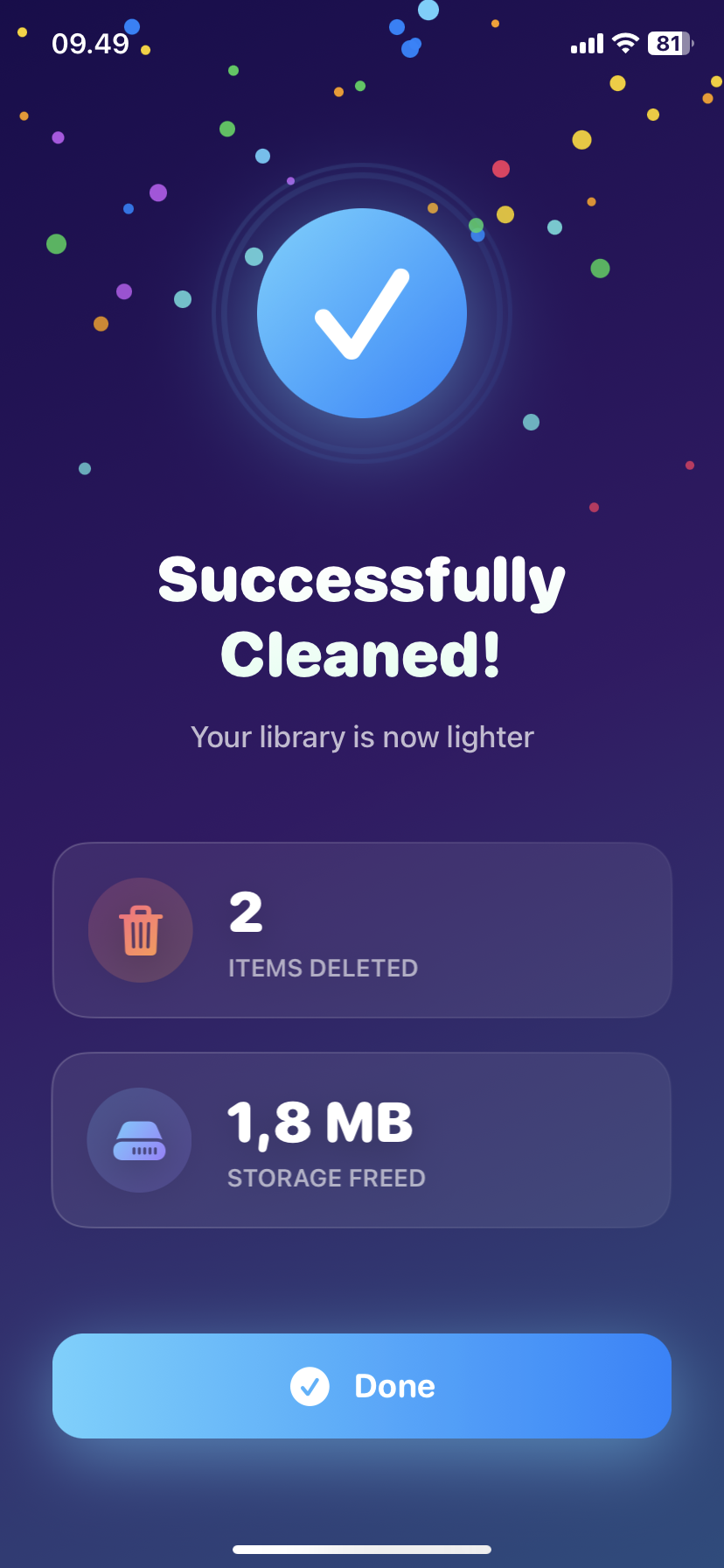
How to Delete Screenshots on iPhone (Mass Delete Guide 2025)
Delete hundreds of screenshots on iPhone in seconds. Complete guide to mass delete screenshots and reclaim storage space quickly with Ezy Photo Clean.
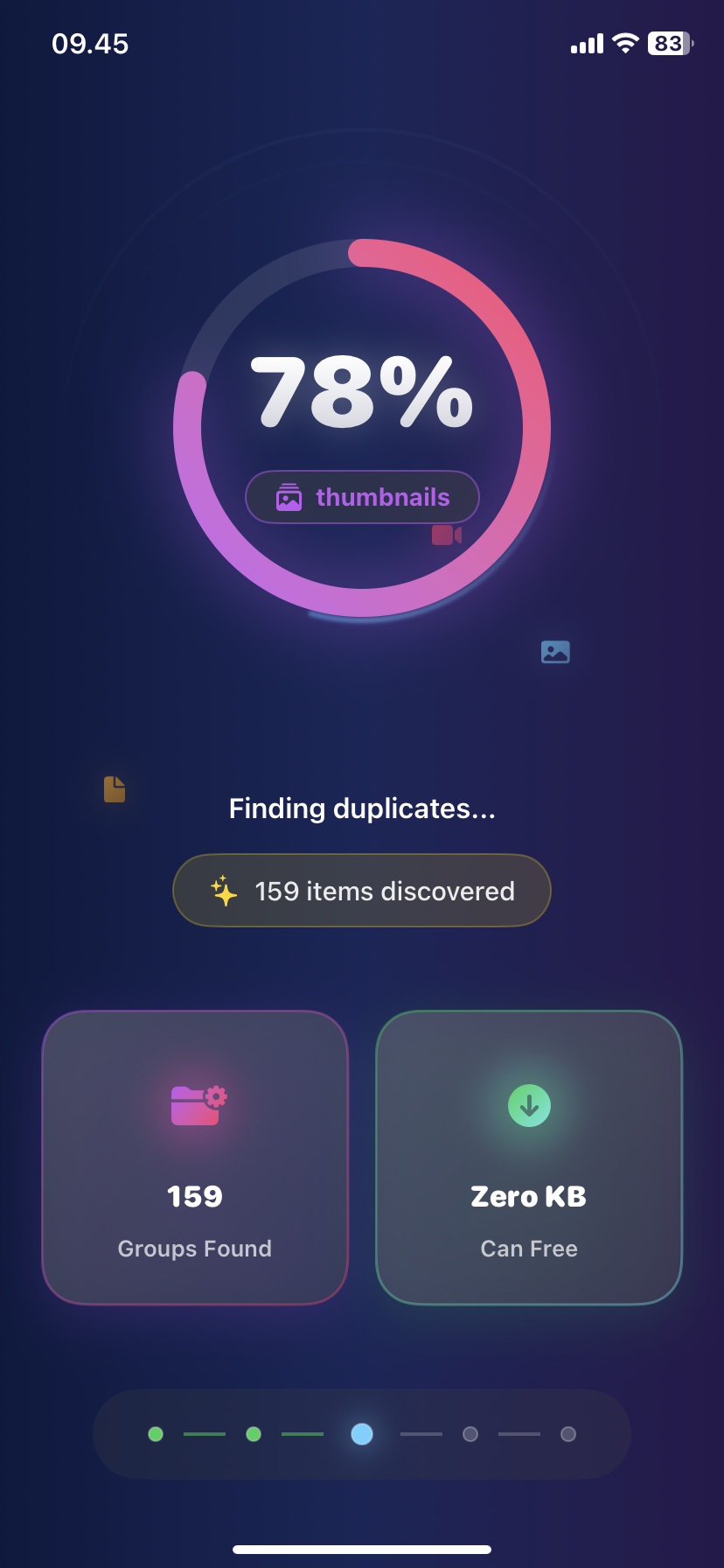
Find Similar Photos on iPhone: AI Detection Guide 2025
Discover how AI finds similar photos on iPhone automatically. Keep the best shot, delete the rest, and free up massive storage space instantly.