Find Similar Photos on iPhone: AI Detection Guide 2025
Discover how AI finds similar photos on iPhone automatically. Keep the best shot, delete the rest, and free up massive storage space instantly.
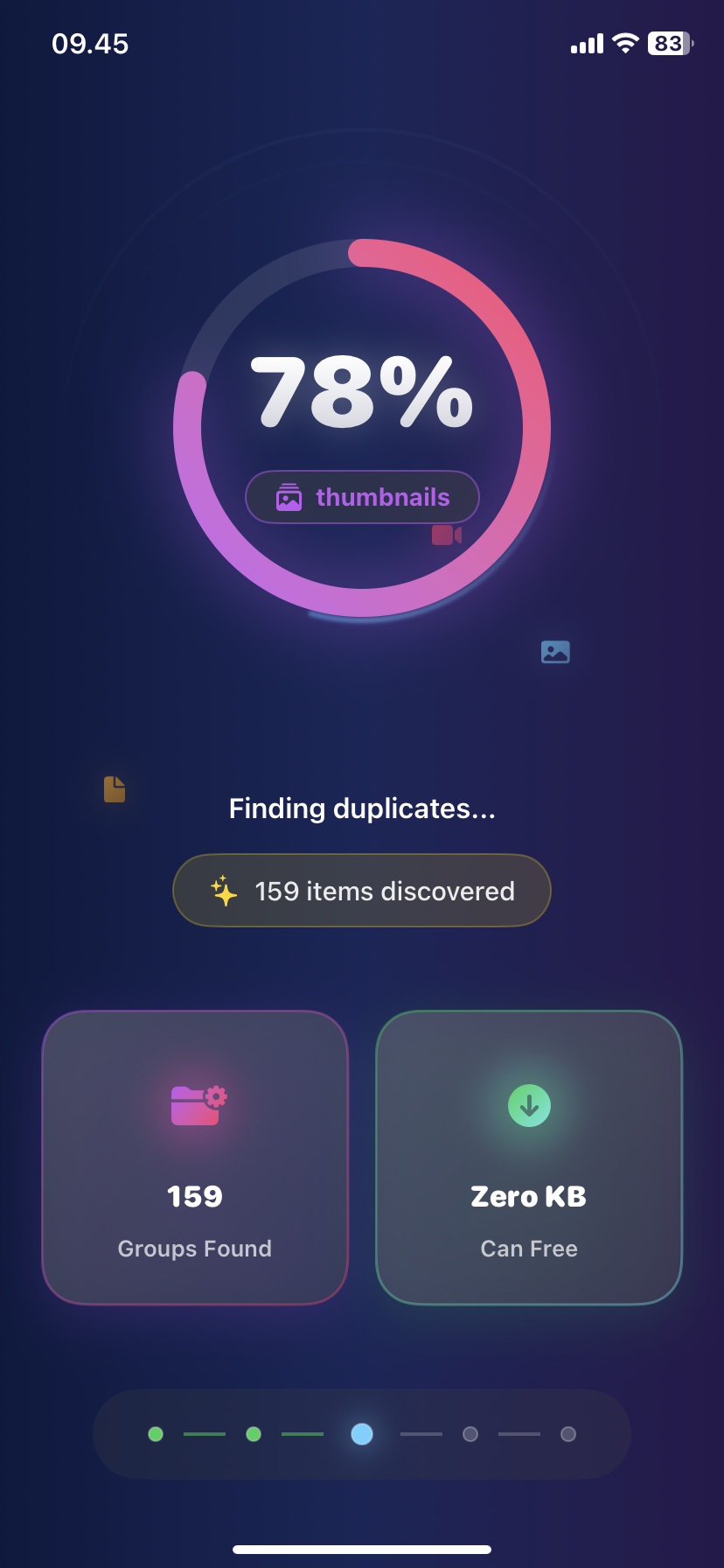
Find Similar Photos on iPhone: AI Detection Guide 2025
You take 10 photos of the sunset to get one perfect shot. Now you have 9 almost-identical photos wasting space.
Similar photos are harder to find than exact duplicates—they look alike but aren't identical. Manual comparison takes hours.
Here's how AI finds similar photos on iPhone instantly and helps you keep only the best.
What Are Similar Photos?
Similar photos are:
- Multiple shots of the same scene
- Burst mode sequences (2-50 photos)
- Nearly identical poses or angles
- Same location with slight movement
- Photos taken seconds apart
Why they're storage killers:
- Average user has 500-1000 similar photos
- Takes up 5-10GB storage
- 95% never viewed again
- Harder to spot than exact duplicates
Difference from duplicates:
- Duplicates: 100% identical (copied/synced files)
- Similar: 70-99% similar (different shots of same thing)
Why Finding Similar Photos Manually Fails
Manual comparison problems:
- Must view each photo individually
- Hard to see subtle differences
- Takes hours for large libraries
- Easy to delete the wrong one
- Miss clusters of similar shots
Example: Tourist taking Golden Gate Bridge photos:
- Takes 15 shots from same spot
- 14 are nearly identical
- One is slightly sharper
- Manual review: 10 minutes
- AI review: 3 seconds
How AI Similar Photo Detection Works
Ezy Photo Clean's AI analyzes:
- Visual content - Scene composition, colors, objects
- Metadata - Timestamp, location, camera settings
- Quality metrics - Sharpness, brightness, focus
- Faces - Facial expressions and positioning
- Image hash - Digital fingerprint comparison
Similarity scoring:
- 100%: Exact duplicates
- 90-99%: Nearly identical (burst photos)
- 80-89%: Very similar (same scene, slight angle change)
- 70-79%: Similar (same location, different timing)
You control the threshold—stricter or more lenient.
Method 1: AI Similar Photo Finder (Ezy Photo Clean)
Find 1,000 similar photos in under 60 seconds.
Step-by-Step:
Step 1: Download and Open
- Get Ezy Photo Clean from App Store (free)
- Grant photo library access
- 100% private—nothing uploaded to cloud
Step 2: Start Similar Photo Scan
- Tap "Find Similar Photos"
- AI analyzes entire library
- Typical scan: 5,000 photos in 30-60 seconds
Step 3: Review Similarity Groups
- Photos grouped by similarity (3-50 per group)
- Each group shows:
Step 4: Auto-Select Lower Quality
- AI automatically selects blurrier/darker versions
- Best quality photo highlighted in green
- Review selections before deleting
Step 5: Customize If Needed
- Tap any photo to change selection
- Swipe to compare quality
- Mark favorites to never auto-select
Step 6: Delete Similar Photos
- Tap "Delete Selected"
- Confirm deletion
- View storage freed (typically 3-8GB)
Real Results:
"Found 743 similar photos I took on vacation. Kept the best 52 shots, deleted 691, freed 6.2GB!" — David L., iPhone 15 user
Method 2: iOS Built-in Similar Detection (Limited)
iOS 16+ has basic duplicate detection:
Step 1: Open Photos App
- Tap "Albums"
- Scroll to "Utilities"
- Look for "Duplicates" album
Limitation: Only finds EXACT duplicates, not similar photos. Misses 90% of similar shots.
Step 2: Merge Duplicates
- Tap "Merge" on duplicate groups
- iOS keeps highest quality version
What it misses: Burst photos, similar angles, same scene photos.
Common Similar Photo Scenarios
1. Burst Mode Photos
- Takes 10-50 photos per burst
- iPhone marks one as "favorite"
- Others waste storage
- AI solution: Finds all bursts, keeps best shot
2. Group Photos
- "Take a few in case someone blinks"
- End up with 8 nearly identical shots
- AI solution: Detects best facial expressions
3. Sunset/Landscape Photos
- Taking multiple "just in case"
- All look same on small screen
- AI solution: Finds sharpest, best exposed
4. Food Photos
- Multiple angles of same dish
- Slight lighting differences
- AI solution: Groups by similarity, keeps best lit
5. Pet Photos
- Rapid-fire to catch perfect moment
- 20 photos, 1 keeper
- AI solution: Detects focus and composition quality
Advanced Settings
Customize similarity threshold:
- Strict (90%+): Only finds nearly identical
- Moderate (80-89%): Balanced—most common use
- Lenient (70-79%): Includes loosely similar
Recommendation: Start with moderate. Adjust after first scan.
Face-priority mode:
- Prioritizes photos with better facial expressions
- Perfect for group photos and portraits
- Keeps smiling over closed eyes
What to Do With Similar Photo Groups
Best practice workflow:
- Review groups over 10 photos first (biggest storage impact)
- Trust AI selection for obvious cases (burst mode)
- Manual review for important events (weddings, once-in-lifetime)
- Delete immediately for everyday moments
Storage saved per cleanup:
- First scan: 5-10GB average
- Monthly maintenance: 1-2GB
- Yearly total: 15-20GB freed
Prevent Future Similar Photo Buildup
Smart shooting habits:
- Review while shooting - Delete bad shots immediately
- Use burst wisely - Only for action shots
- Weekly cleanup - 2-minute habit via Ezy Photo Clean
- Adjust similarity threshold - Get stricter over time
Take Action: Free Up 5-10GB Today
Stop storing 10 versions of the same photo:
- Download Ezy Photo Clean (free)
- Run AI similar photo scan (60 seconds)
- Review and confirm selections (2 minutes)
- Delete and reclaim storage (instant)
Most users free up 5-10GB on first scan.
Download Ezy Photo Clean - AI Similar Photo Finder
*Last updated: January 27, 2025* *Reading time: 3 minutes*
Ready to Clean Your Photo Library?
Download Ezy Photo Clean and start freeing up storage space today!
Download Free from App StoreContinue Reading
How to Delete Screenshots on iPhone (Mass Delete Guide 2025)
Delete hundreds of screenshots on iPhone in seconds. Complete guide to mass delete screenshots and reclaim storage space quickly with Ezy Photo Clean.
Delete Large Videos iPhone: Free Up Massive Storage Fast
Find and delete large videos on iPhone quickly. One 4K video can use 1GB. Learn how to identify storage-hogging videos and free up 10-20GB instantly.