Photo Cleaner iOS: 5 Must-Use Features for iPhone Users
Discover the 5 essential photo cleaner iOS features that save the most storage. Learn which features actually matter for iPhone photo cleanup.
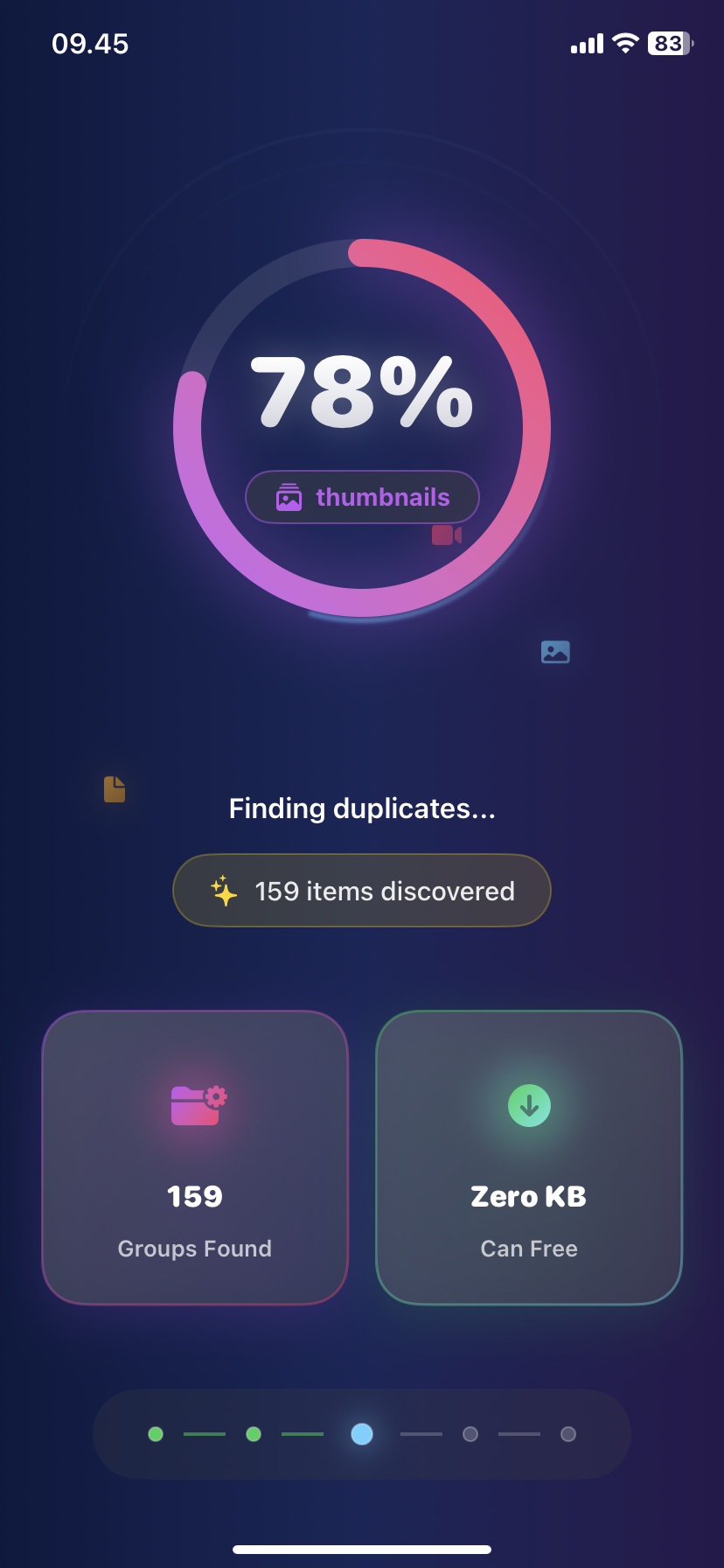
Photo Cleaner iOS: 5 Must-Use Features for iPhone Users
Most photo cleaner iOS apps have 20+ features.
You only need 5.
Here's what actually matters.
Feature #1: Duplicate Photo Detection (Most Important)
What it does: Finds exact copies of the same photo
Why you need it: Average iPhone user has 300-500 duplicate photos = 2-4GB wasted
How good photo cleaner iOS apps do it:
- Scan entire library in under 60 seconds
- Find 100% exact matches
- Auto-select duplicates for deletion
- Keep highest quality version
Manual alternative: 3 hours of scrolling, miss 80% of duplicates
Storage saved: 2-5GB typically
Feature #2: Similar Photo Grouping
What it does: Groups photos taken in burst or same scene
Why you need it: You took 15 sunset photos. You need 2, not 15.
Example:
- Photo cleaner iOS finds all 15
- Groups them together
- You pick best 2
- Delete other 13 in one tap
Without this feature: You scroll past them, think "I'll delete later," never do
Storage saved: 1-3GB
Feature #3: Blurry Photo Detection
What it does: AI identifies out-of-focus shots
Why you need it: Blurry photos serve no purpose, easy to delete
Accuracy: Good photo cleaner iOS apps are 90-95% accurate
False positives: Rare, but you review before deleting anyway
Storage saved: 500MB-2GB
Feature #4: Screenshot Organization
What it does: Separates screenshots from real photos
Why you need it:
- 300-500 screenshots mixed in camera roll
- Most are temporary (memes, coupons, info)
- Hard to find manually
Best implementation:
- View all screenshots in one place
- Sort by date
- Bulk select and delete
- Keep important ones (receipts)
Storage saved: 500MB-1.5GB
Feature #5: Large File Finder
What it does: Shows biggest photos and videos
Why you need it:
- One 4K video = 8GB
- 5 large videos = your entire storage problem
- Easy to miss manually
Smart photo cleaner iOS apps show:
- File size for each item
- Sort by size (largest first)
- One-tap view or delete
Storage saved: 5-15GB (videos are huge)
Features You DON'T Need
Cloud backup integration - iCloud Photos does this Video compression - Nice but not essential Advanced AI suggestions - Basic AI is 95% as good Custom filters - Overcomplicating it Photo editing - Use Photos app for this
What Makes a Good Photo Cleaner iOS App
Must have: ✅ Fast scanning (under 60 seconds for 5,000 photos) ✅ On-device processing (no uploading to cloud) ✅ All 5 features above ✅ Bulk delete options ✅ Clear preview before deletion
Nice to have: ⭐ Clean interface ⭐ No annoying ads ⭐ Free core features
Don't need: ❌ 50 different features ❌ Complicated settings ❌ Subscription for basic cleanup
Quick Comparison: Feature Usage
| Feature | Usage Frequency | Storage Impact |
|---|---|---|
| --------- | ---------------- | ---------------- |
| Duplicate detection | Monthly | High (2-5GB) |
| Similar photos | Monthly | Medium (1-3GB) |
| Blurry finder | Monthly | Medium (1-2GB) |
| Screenshot cleanup | Weekly | Medium (500MB-1.5GB) |
| Large file finder | As needed | High (5-15GB) |
How to Use These 5 Features (10-Minute Method)
Minute 1-3: Duplicates
- Run scan
- Review
- Delete all
Minute 4-6: Similar Photos
- Browse groups
- Keep best 1-2 per group
- Delete rest
Minute 7-8: Blurry Photos
- Review AI selections
- Delete all
Minute 9: Screenshots
- View all
- Delete old ones
Minute 10: Large Files
- Check largest videos
- Delete or move to cloud
Result: 5-10GB freed
Why iOS-Specific Matters
Photo cleaner iOS apps are optimized for:
- iOS file system
- iPhone camera formats (HEIC, Live Photos)
- iCloud Photos integration
- Face ID/Touch ID security
- iOS privacy restrictions
Generic apps: Miss iOS-specific optimizations
The Bottom Line
You don't need 20 features in a photo cleaner iOS app.
You need these 5:
- Duplicate detection
- Similar photo grouping
- Blurry photo finder
- Screenshot organization
- Large file finder
Everything else is extra.
Ezy Photo Clean has all 5 core features, free.
Download Ezy Photo Clean - Best Photo Cleaner iOS
*Last updated: January 14, 2025* *Reading time: 3 minutes*
Ready to Clean Your Photo Library?
Download Ezy Photo Clean and start freeing up storage space today!
Download Free from App StoreContinue Reading
How to Delete Screenshots on iPhone (Mass Delete Guide 2025)
Delete hundreds of screenshots on iPhone in seconds. Complete guide to mass delete screenshots and reclaim storage space quickly with Ezy Photo Clean.
Find Similar Photos on iPhone: AI Detection Guide 2025
Discover how AI finds similar photos on iPhone automatically. Keep the best shot, delete the rest, and free up massive storage space instantly.