iPhone Photo Cleaner: Free Up 10GB in 5 Minutes (Proven Method)
Step-by-step iPhone photo cleaner guide to free up 10GB in just 5 minutes. The fastest method to clean iPhone photos and reclaim storage space.
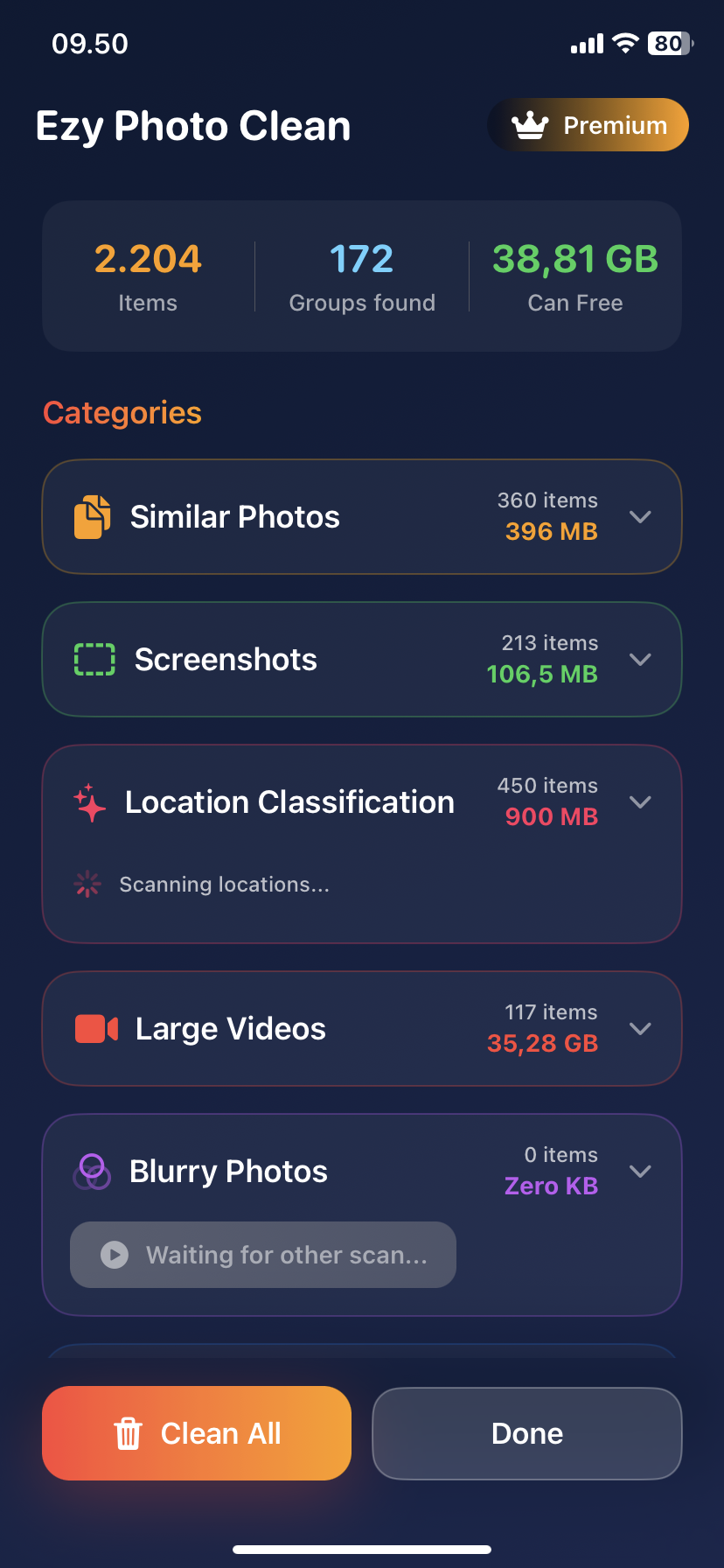
iPhone Photo Cleaner: Free Up 10GB in 5 Minutes (Proven Method)
Need 10GB of storage right now?
Here's the 5-minute method.
The 10GB in 5 Minutes Method
Most people clean photos wrong. They delete random stuff and free up 500MB.
This method targets the biggest storage hogs first.
Minute 1: Download iPhone Photo Cleaner
Steps:
- App Store → Search "Ezy Photo Clean"
- Download (free)
- Grant photo access
- Done
Time: 60 seconds
Minute 2: Scan for Duplicates
Steps:
- Open app
- Tap "Find Duplicates"
- Wait 30-45 seconds
What it finds: 300-500 duplicate photos
Storage: 2-4GB
Minute 3: Delete Duplicates
Steps:
- Review duplicates (app already selected which to delete)
- Tap "Delete Selected"
- Confirm
Result: 2-4GB freed
Time: 60 seconds
Minute 4: Delete Large Videos
Steps:
- Tap "Large Files"
- See biggest videos
- Delete top 3-5 videos (or move to cloud)
Why this works: One 10-minute 4K video = 8GB
Result: 3-8GB freed
Time: 60 seconds
Minute 5: Clean Screenshots + Blurry Photos
Steps:
- Tap "Screenshots"
- Select all older than 2 months
- Delete
- Tap "Blurry Photos"
- Delete all
Result: 1-2GB freed
Time: 60 seconds
The Results
5 minutes using iPhone photo cleaner:
- Duplicates: 2-4GB
- Large videos: 3-8GB
- Screenshots: 500MB-1GB
- Blurry photos: 500MB-1GB
Total: 6-14GB freed
(Average is 10GB)
Why This Works
Target the big stuff first:
- Videos = 8GB each
- Duplicates = 2-4GB total
- Screenshots = 1-2GB total
Skip the small stuff:
- Individual bad photos = 3MB each
- Would take hours to make a dent
Manual vs iPhone Photo Cleaner
Manual method:
- 3-4 hours scrolling
- Find 200 photos to delete
- Free up 1-2GB
- Give up exhausted
iPhone photo cleaner method:
- 5 minutes
- Find 500-800 photos/videos to delete
- Free up 6-14GB
- Actually finish
It's not even close.
Can You Really Free Up 10GB?
Depends on your library:
Small library (1,000-2,000 photos):
- Probably 3-5GB available
- Still worth it
Medium library (5,000 photos):
- 8-12GB available
- This is most people
Large library (10,000+ photos):
- 15-25GB available
- Could free up even more
Average user: 10GB realistic
What If You Need MORE Than 10GB?
Round 2 (another 5 minutes):
- Delete similar photos (keep best 1-2 per group)
- Review old Live Photos (convert to regular photos)
- Delete photos you don't need anymore
Result: Additional 2-5GB
Total: 12-19GB in 10 minutes
The "Emergency Storage" 2-Minute Version
Need storage RIGHT NOW?
- Open iPhone photo cleaner
- Delete ALL duplicates (no review, just trust it)
- Delete largest 5 videos
- Done
Time: 2 minutes Storage freed: 5-10GB Risk: Very low (can recover from Recently Deleted for 30 days)
Common Questions
Q: Is 5 minutes realistic? Yes. Scanning is automatic (1 min). Deleting is bulk (4 min). No manual scrolling.
Q: What if I need those videos? Move them to iCloud or Google Photos first. Then delete from iPhone.
Q: Can I recover if I delete wrong thing? Yes. Everything goes to "Recently Deleted" for 30 days.
Q: Will this work on old iPhones? Yes. Works on iPhone 8 and newer. Even faster on newer models.
Prevention: Keep 10GB Free Always
Monthly routine (5 minutes):
- Run iPhone photo cleaner scan
- Delete duplicates
- Check large videos
- Clean screenshots
Result: Never run out of storage again
The Bottom Line
You don't need hours to free up storage.
You need: ✅ Right tool (iPhone photo cleaner) ✅ Right method (target big stuff first) ✅ 5 minutes
Most people waste 10GB on duplicates and large files they don't even remember taking.
Download Ezy Photo Clean - iPhone Photo Cleaner
*Last updated: January 17, 2025* *Reading time: 2 minutes*
Ready to Clean Your Photo Library?
Download Ezy Photo Clean and start freeing up storage space today!
Download Free from App StoreContinue Reading
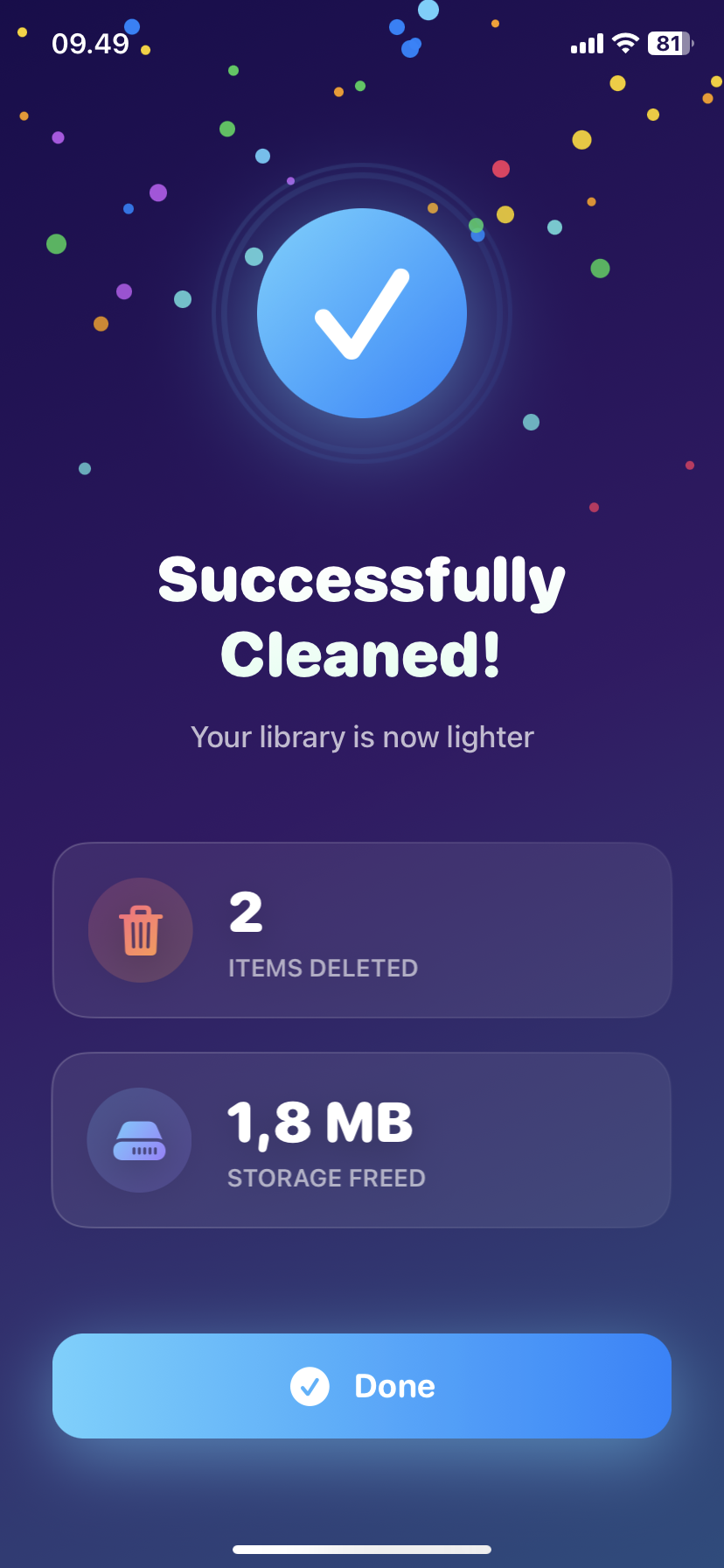
How to Delete Screenshots on iPhone (Mass Delete Guide 2025)
Delete hundreds of screenshots on iPhone in seconds. Complete guide to mass delete screenshots and reclaim storage space quickly with Ezy Photo Clean.
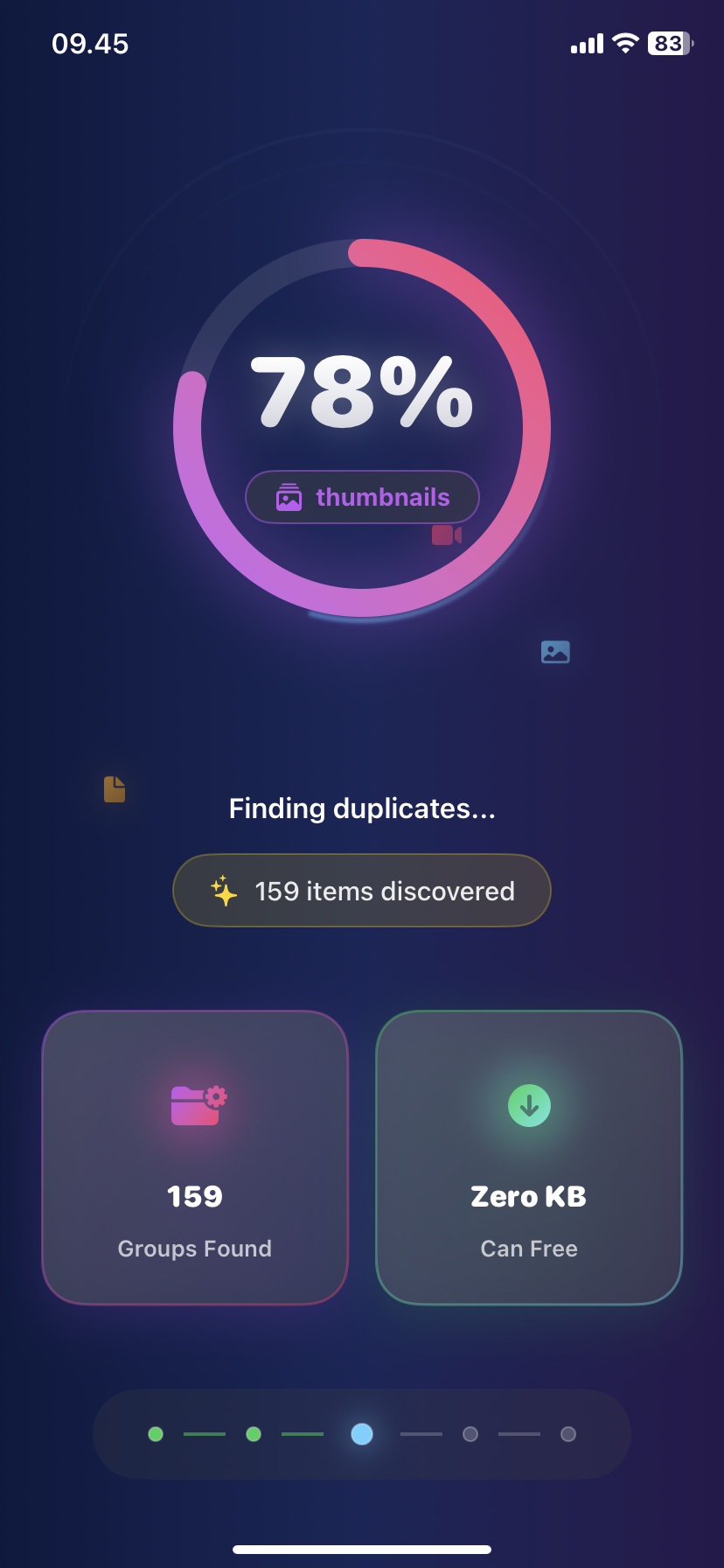
Find Similar Photos on iPhone: AI Detection Guide 2025
Discover how AI finds similar photos on iPhone automatically. Keep the best shot, delete the rest, and free up massive storage space instantly.