Easy Photo Clean: Remove 1000 Photos in 10 Minutes
Easy photo clean method to delete 1000+ photos in 10 minutes. Step-by-step guide for quick iPhone photo cleanup without the hours of scrolling.
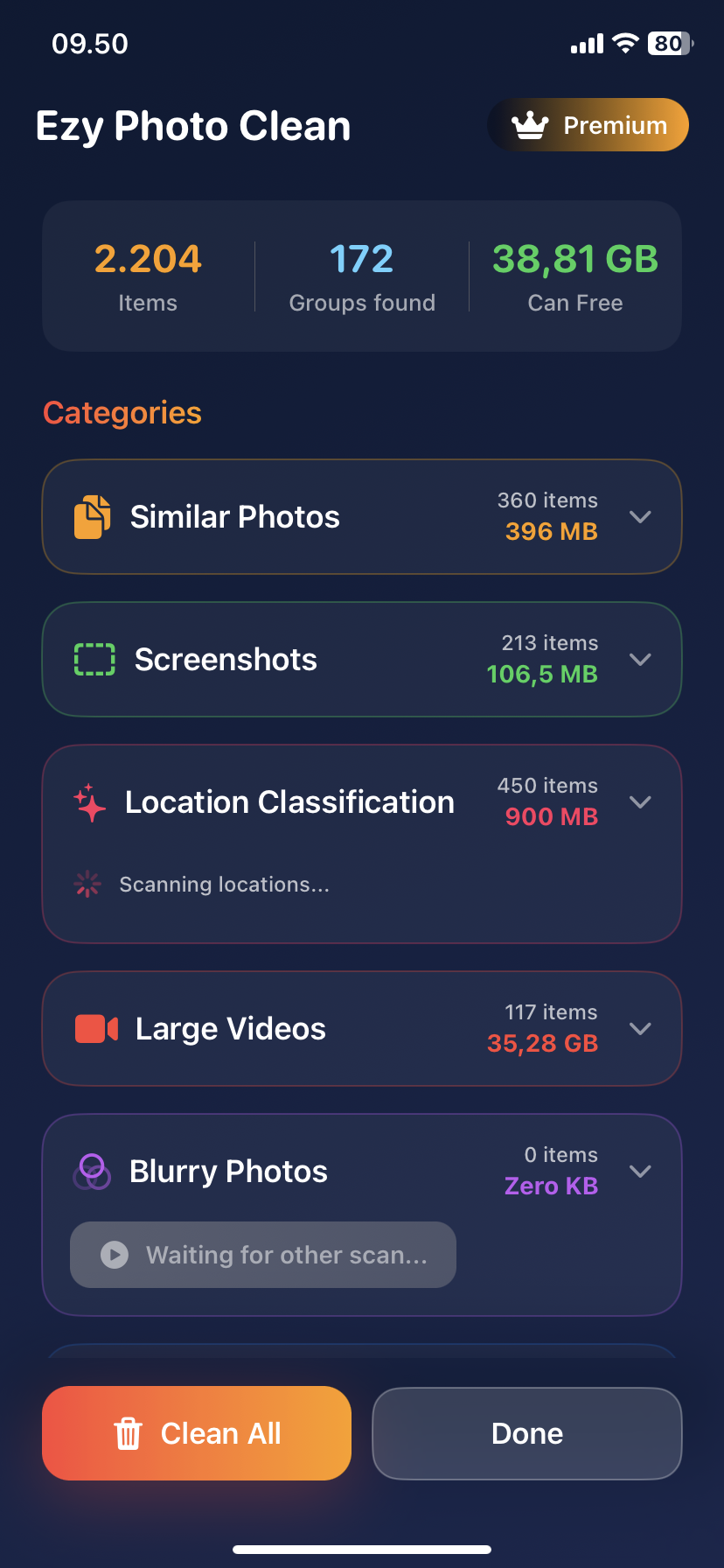
Easy Photo Clean: Remove 1000 Photos in 10 Minutes
Most people: "I need to clean my photos."
Also most people: *Scrolls for 3 hours, deletes 47 photos, gives up*
Here's how to delete 1,000 photos in 10 minutes instead.
Why Traditional Photo Cleaning Fails
The manual approach:
- Open Photos app
- Scroll through everything
- Select photos one by one
- Delete
- Repeat 1,000 times
Time: 3-4 hours Photos deleted: 200-300 (you get tired) Completion rate: 30%
The easy photo clean approach:
- Find what to delete (AI does this)
- Bulk delete by category
- Done
Time: 10 minutes Photos deleted: 1,000+ Completion rate: 100%
The 10-Minute Easy Photo Clean Method
Minute 1-2: Find Duplicates
What you're deleting: Exact copies of the same photo
Manual method: 2 hours of scrolling Easy photo clean: 60 seconds with AI
Steps:
- Download Ezy Photo Clean (free)
- Tap "Find Duplicates"
- Wait 60 seconds
Result: ~300-500 duplicates found
Minute 3-4: Review and Delete Duplicates
The AI already selected which duplicates to delete (keeps best quality).
Your job: Quick review
Steps:
- Scroll through duplicate groups
- Uncheck any you want to keep both of
- Tap "Delete Selected"
Photos deleted: 300-500 Time: 2 minutes
Minute 5-6: Find Blurry Photos
What you're deleting: Out-of-focus, shaky, failed shots
Manual method: You miss most of them Easy photo clean: AI finds all of them
Steps:
- Tap "Blurry Photos"
- Review AI selections
- Delete All
Photos deleted: 100-200 Time: 2 minutes
Minute 7-8: Delete Old Screenshots
What you're deleting: Screenshots older than 2 months
Manual method: Endless scrolling Easy photo clean: One tap to view all
Steps:
- Tap "Screenshots"
- Sort by date
- Select all older than 2 months
- Delete
Photos deleted: 200-400 Time: 2 minutes
Minute 9-10: Find Similar Photos
What you're deleting: 15 photos of the same sunset, keep the best 2
Manual method: Hard to spot similarities Easy photo clean: AI groups them
Steps:
- Tap "Similar Photos"
- Review grouped photos
- Keep 1-2 per group, delete rest
Photos deleted: 100-200 Time: 2 minutes
The Results
10 minutes of easy photo clean:
- Duplicates: 300-500 deleted
- Blurry photos: 100-200 deleted
- Screenshots: 200-400 deleted
- Similar photos: 100-200 deleted
Total: 700-1,300 photos deleted Storage freed: 3-8GB
Easy Photo Clean vs Manual: Real Comparison
| Method | Time | Photos Found | Storage Freed |
|---|---|---|---|
| -------- | ------ | -------------- | --------------- |
| Easy photo clean | 10 min | 1,000+ | 5-8GB |
| Manual scrolling | 3-4 hours | 200-300 | 1-2GB |
| Delete apps | 10 min | 0 | 500MB |
Why This Works So Well
1. AI finds what you miss
- Duplicates you didn't know existed
- Blurry photos you thought were fine
- Similar shots scattered across months
2. Bulk deletion
- Delete 50 screenshots in one tap
- No decision fatigue
- Actually finish the cleanup
3. Smart defaults
- AI pre-selects what to delete
- You just review and confirm
- Fast and accurate
Common Concerns
"What if it deletes important photos?"
- You review everything before deleting
- AI only suggests, you decide
- Deleted photos stay in "Recently Deleted" for 30 days
"Is 10 minutes really enough?"
- For most users, yes
- 5,000 photo library = 10-15 minutes
- 10,000+ photos = 20-25 minutes
"Do I need technical skills?"
- No. Tap buttons, review, delete
- If you can take a photo, you can do this
The Monthly 10-Minute Routine
Do this every month:
Week 1-4: Take photos normally End of month: 10-minute easy photo clean
Steps:
- Find duplicates (2 min)
- Delete blurry photos (2 min)
- Clean screenshots (2 min)
- Review similar photos (2 min)
- Empty "Recently Deleted" (1 min)
- Celebrate (1 min)
Result: Never have a messy photo library again
What Makes Photo Cleaning "Easy"
Hard photo cleaning:
- Manual scrolling
- One-by-one decisions
- Miss duplicates
- Take hours
- Never finish
Easy photo cleaning:
- AI finds everything
- Bulk decisions
- Catch all duplicates
- Take minutes
- Actually complete
The Lazy Person's Photo Clean
Even lazier version (5 minutes):
Just do this:
- Delete all duplicates (AI selects them)
- Delete all blurry photos (AI selects them)
- Delete screenshots over 3 months old
- Done
Time: 5 minutes Photos deleted: 500-800 Storage freed: 3-5GB
No thinking required.
Pro Tips for Easy Photo Clean
Tip 1: Do it monthly, not yearly
- 10 minutes monthly vs 4 hours yearly
- Easier to stay consistent
Tip 2: Delete screenshots first
- Easiest category
- Quick win
- Builds momentum
Tip 3: Trust the AI
- It's 95%+ accurate
- You can always undo
- Saves hours of decisions
Tip 4: Keep duplicates if sentimental
- Uncheck any you want both copies of
- The AI doesn't judge
The Bottom Line
You don't need 3 hours to clean photos.
You need: ✅ AI to find what to delete ✅ Bulk delete options ✅ 10 minutes
Delete 1,000 photos in 10 minutes. It's actually easy.
Download Ezy Photo Clean - The Easy Photo Clean App
*Last updated: January 13, 2025* *Reading time: 3 minutes*
Ready to Clean Your Photo Library?
Download Ezy Photo Clean and start freeing up storage space today!
Download Free from App StoreContinue Reading
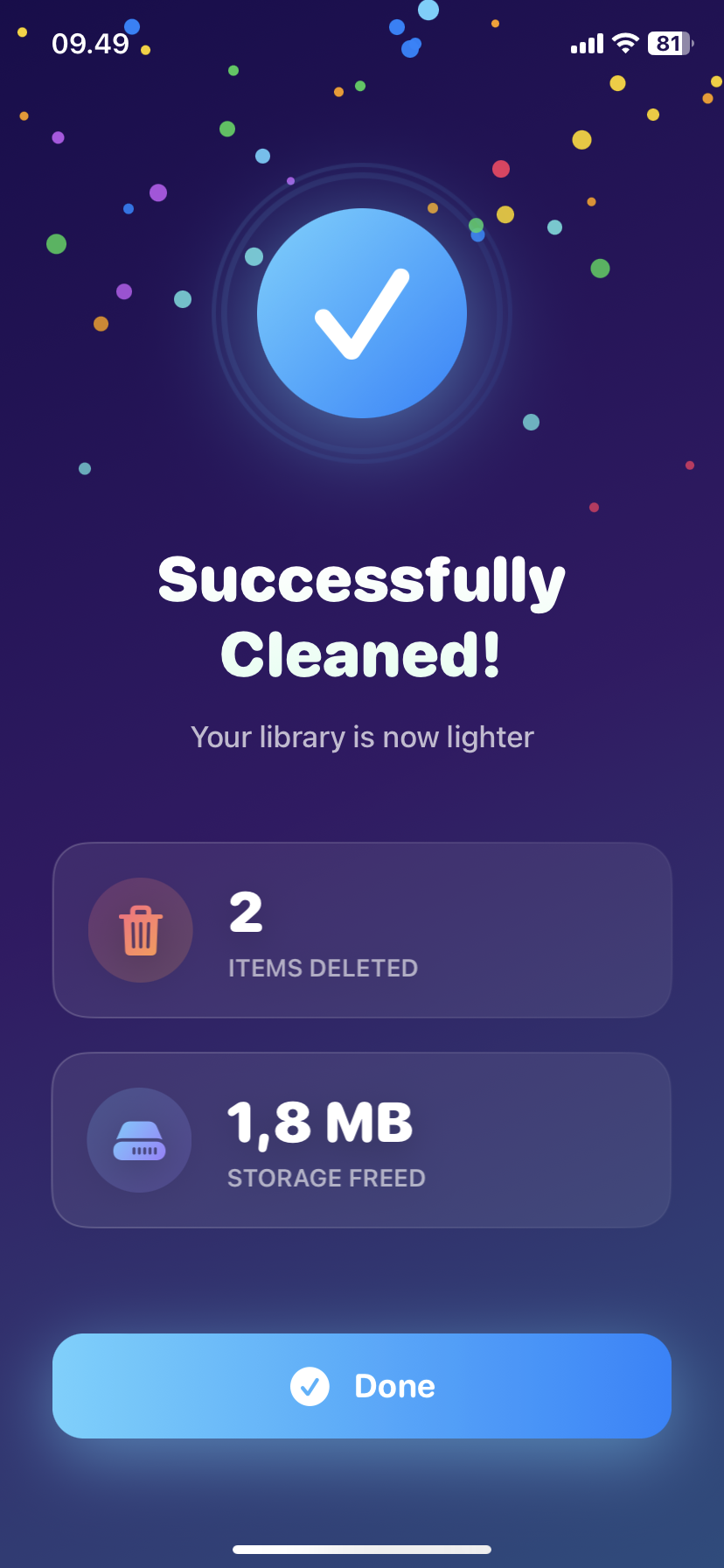
How to Delete Screenshots on iPhone (Mass Delete Guide 2025)
Delete hundreds of screenshots on iPhone in seconds. Complete guide to mass delete screenshots and reclaim storage space quickly with Ezy Photo Clean.
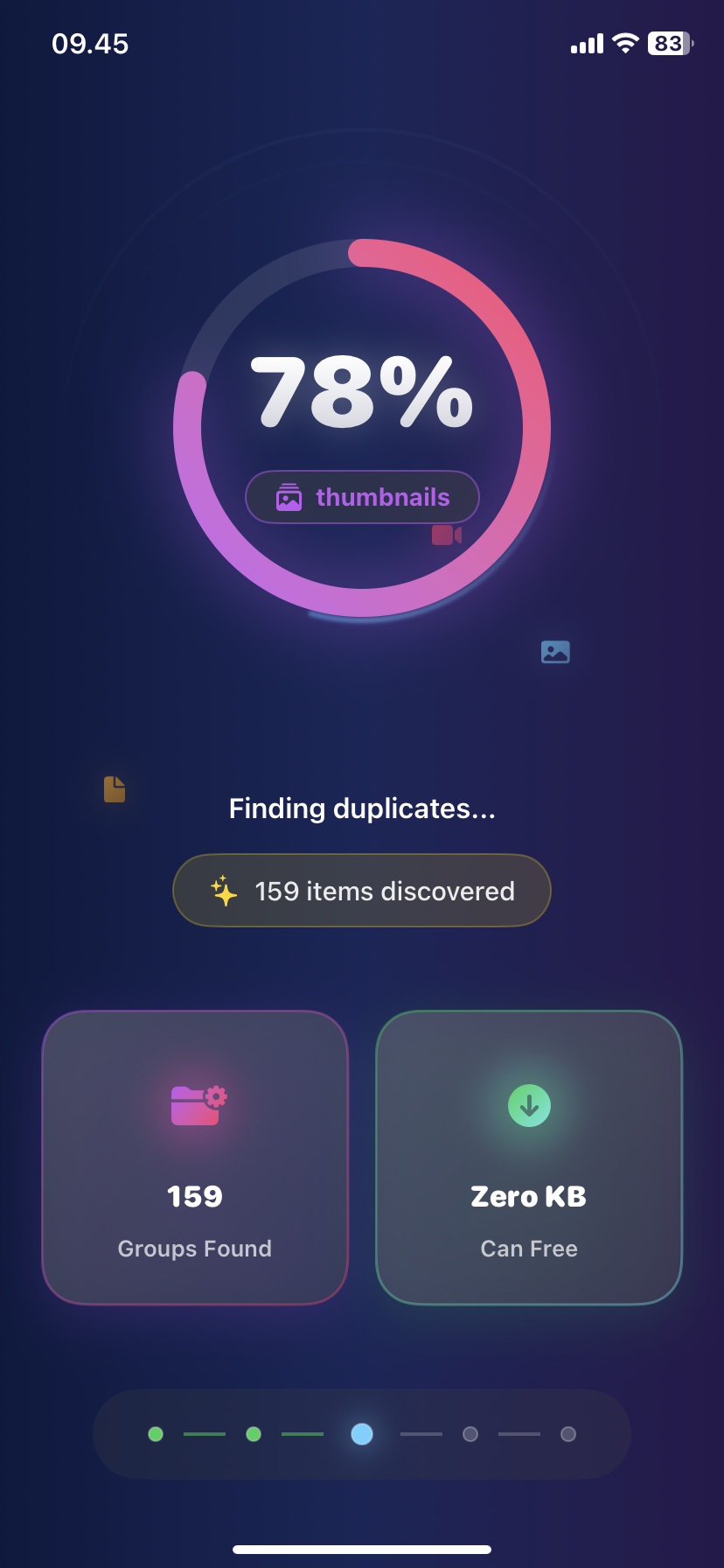
Find Similar Photos on iPhone: AI Detection Guide 2025
Discover how AI finds similar photos on iPhone automatically. Keep the best shot, delete the rest, and free up massive storage space instantly.